Donation Round Up
Your store can provide customers with an option to round up their totals to the nearest dollar and donate the change to your designated charity.
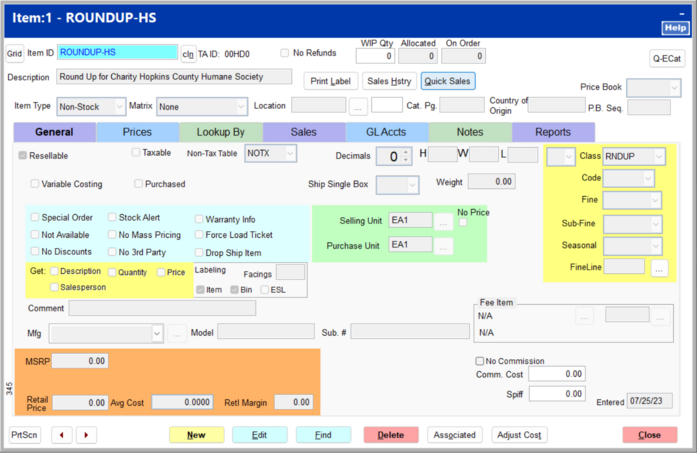
To set up donation rounding, first create a non-stock, non-taxed donation rounding item.
On the Payment Types page, check Utilize Donation Round Up to turn on donation rounding.

Click the ... button to the right of the Donation Item field.

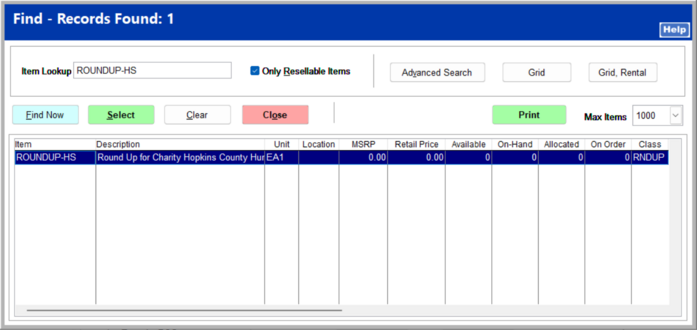
Enter the donation item item ID in the Item Lookup field, and click Find Now. Click on the correct item, and click Select.