Sales Limits
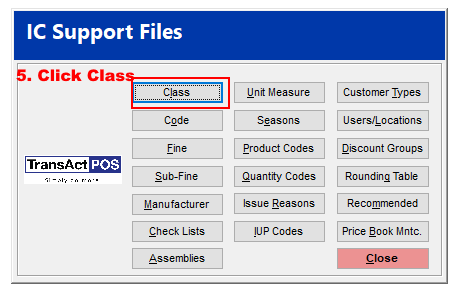
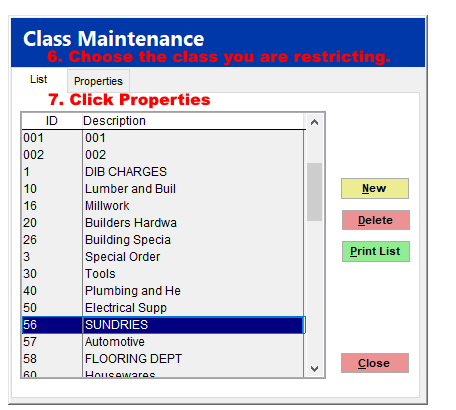
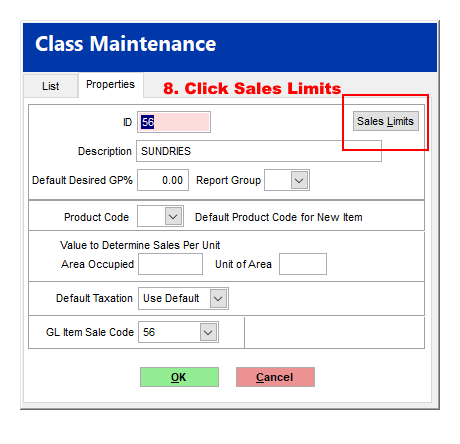
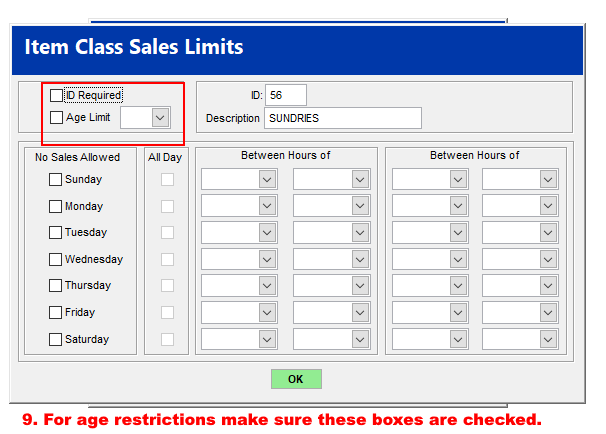
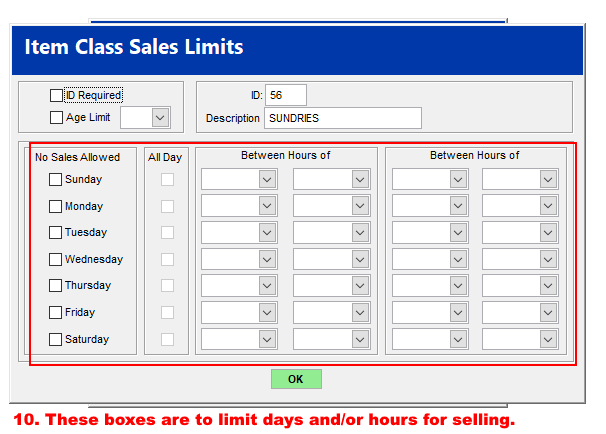
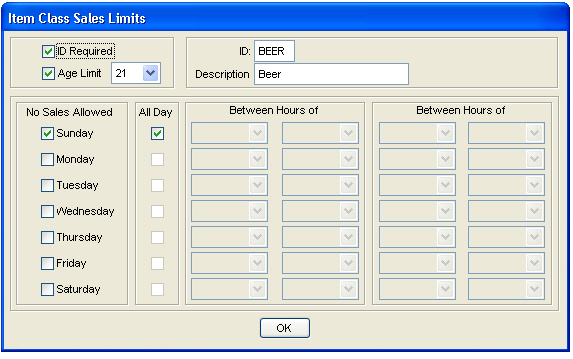
The Sales Limits feature helps control the sale of products based upon requirements of ID, age, day of week and/or time of day. All items assigned to the specified class will acquire the related sales limits.
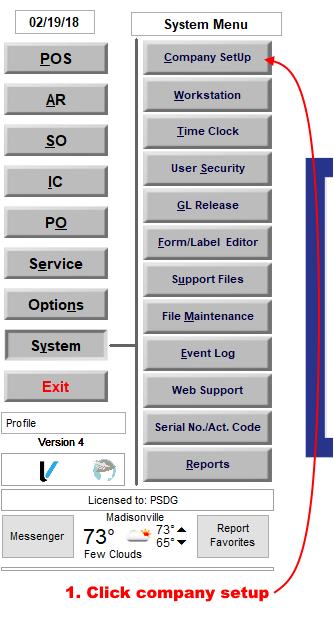
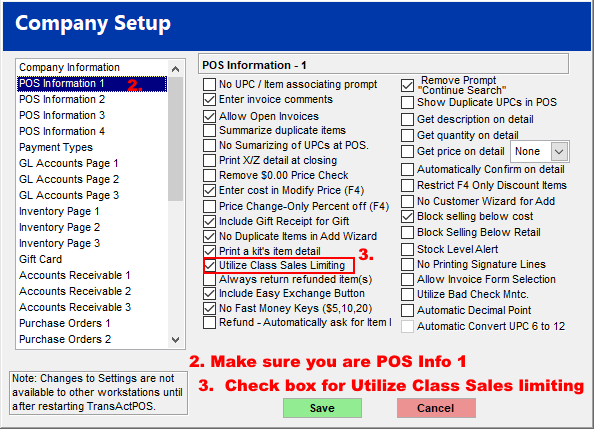
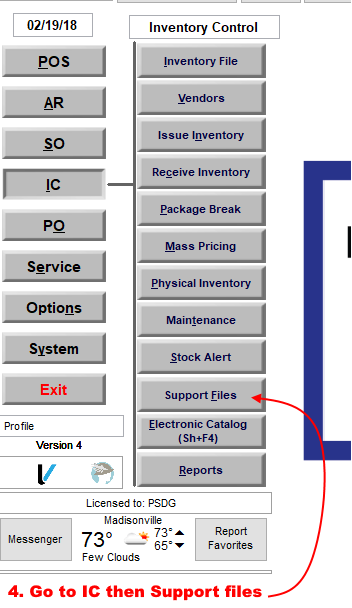
Item Class Sales Limits is activated in System | Company SetUp | Properties | POS Information 1 | Utilize Class Sales Limiting.
The Sales Limits feature helps control the sale of products based upon requirements of ID, age, day of week and/or time of day. All items assigned to the specified class will acquire the related sales limits.
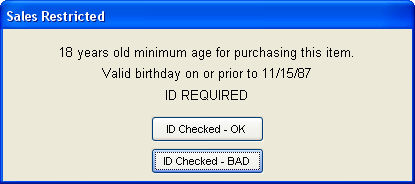
The Sales Restricted screen below appears due to an ID Requirement and the indicated Age Limit. Selecting the ID Checked - OK button indicates that the clerk has confirmed the customer's ID.
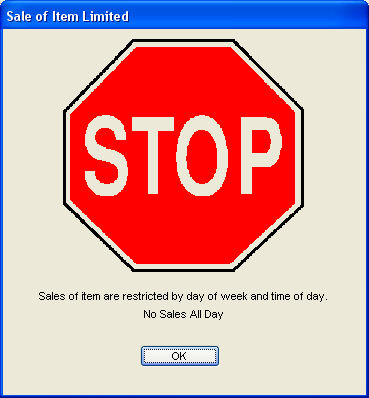
If the "Stop Sign" screen appears when an item with a restricted day or time parameter has been scanned during the specified restriction period.