Adjust Cost
The adjust cost function allows the user to change the cost of the selected item. If it is a stock item, postings are made within the appropriate inventory and adjustment GL accounts specified within the System | Company Setup | GL Accounts Page 3.

Current Inventory Cost Adjustment
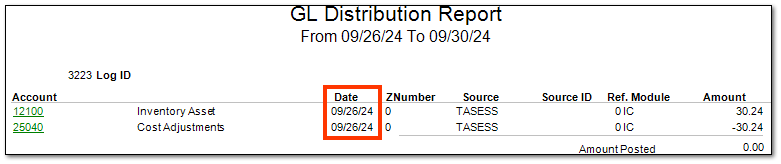
Current Inventory Adjustments creates general ledger postings dated today's date.
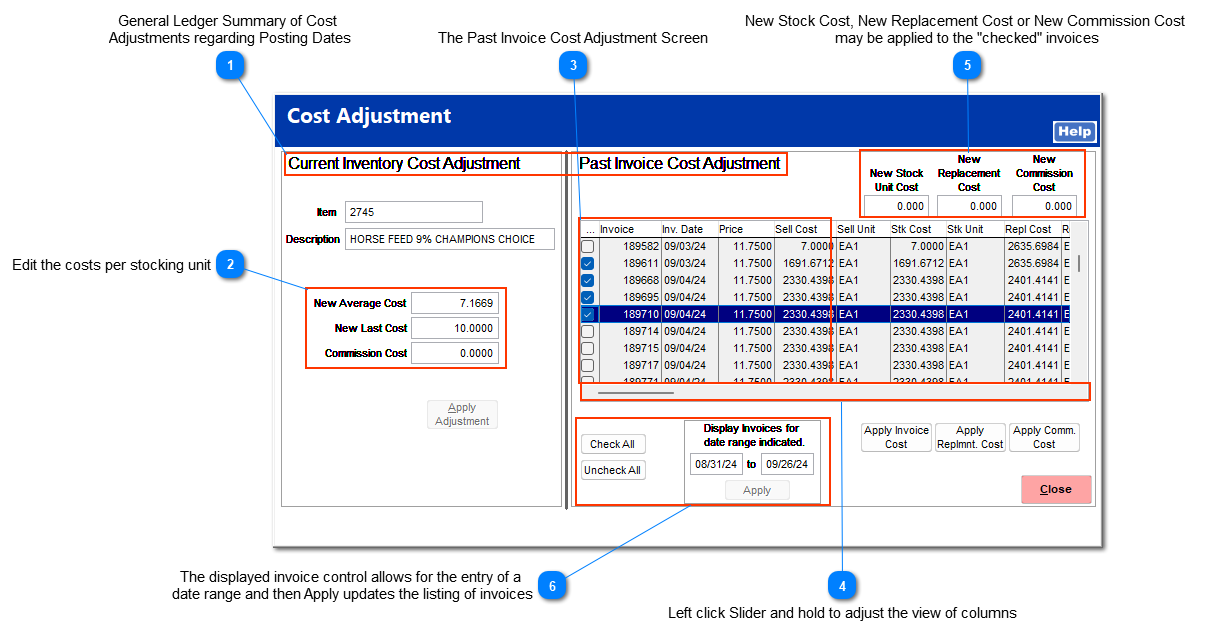


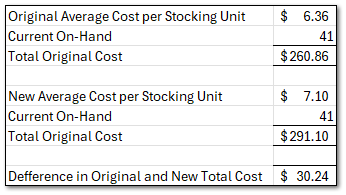
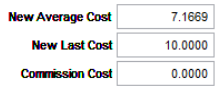
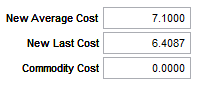
 Cost Values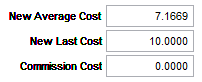 Editing the New Average Cost, New Last Cost, or Commission Cost changes the indicated value for the SKU but does not change the historic costs. A change to the New Average Cost generates a posting to the General Ledger Distribution report and generates an Inventory and Adjustments posting according to the setup of GL Account Pages 1, 2, and 3.
|

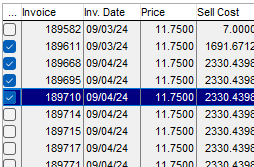
Past Invoice Cost Adjustment
Past Invoice Cost Adjustments creates general ledger postings for the date of the original invoice date and allows the user to correct cost of historic invoices.
The retail prices of prior invoices can not be changed. You must use POS | Manager Screen | Void Invoice or POS | Ring Sale | Refund depending upon the specific situation.
|




Past Invoice Cost Adjustment ExampleIn this example of a past invoice cost adjustment, the invoice cost of 6.280 has replaced the cost of 1691.6712 on the checked invoices.
General Ledger EffectThis cost change creates Inventory Asset and Cost of Goods Sold adjustment postings for each invoice on the original invoice date.
The original Inventory Asset account and the associated Cost of Goods Sold postings (highlighted red) are reversed. The new cost is then reflected with two correcting postings (highlighted blue) to the Inventory Asset and Cost of Goods Sold accounts.
 |
The IC Adjustments report can be filtered to show only cost change adjustments. For more information on the adjustments report, see IC | Reports | Adjustments.