(c) Profile Systems Design Group, Inc. 2026 Build: 4.008.811 Help ID: 490
If you do not see the expected content,press CTRL + F5 to clear your Browser's cache.
Reports Tab
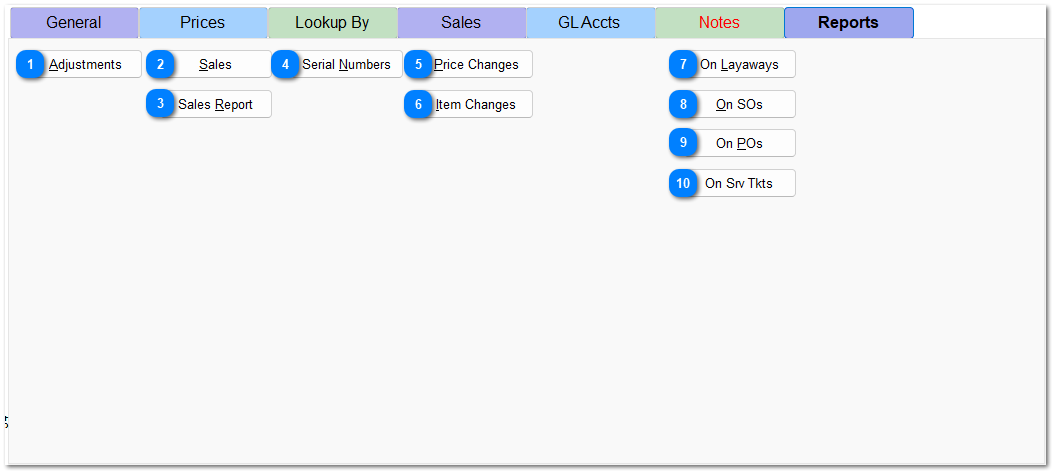
Item Reports present information restricted to the currently selected item.
Hover over the number in the image below and click on the button in the pop-up window to go directly to that report, or click on the button below the image.