(c) Profile Systems Design Group, Inc. 2026 Build: 4.008.811 Help ID: 5818
If you do not see the expected content,press CTRL + F5 to clear your Browser's cache.
Adding a New Bill of Materials
The BOM (Bill of Materials) inventory type allows stores to create a BOM SKU which contains the BOM Detail items contained within each of the Finished Goods items create during the Make It process.
Adding a New BOM - Bill of Materials SKU
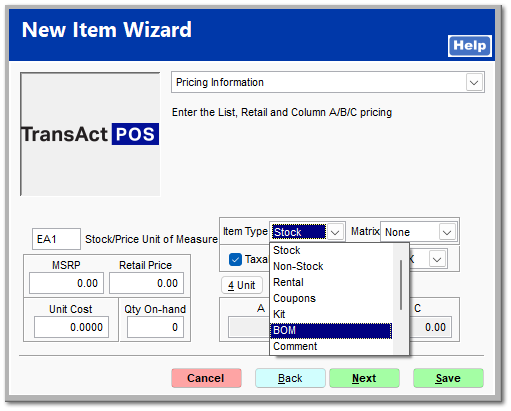
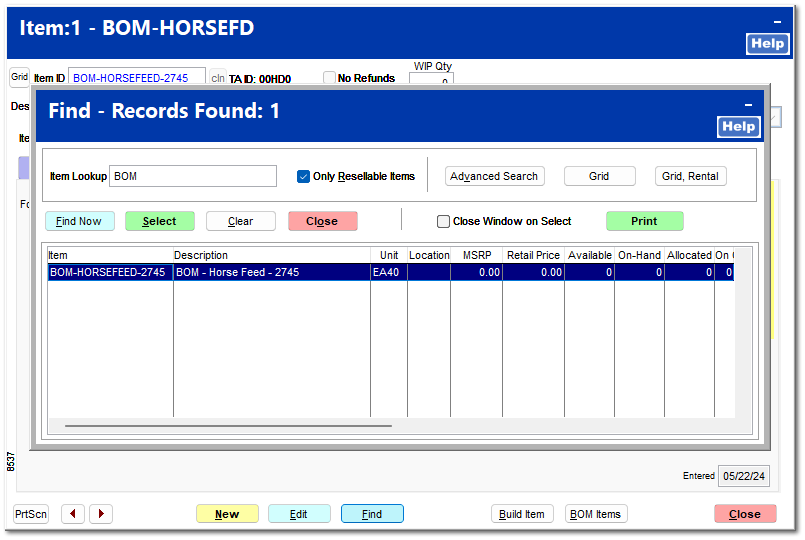
To add a new BOM SKU to the system, within IC | Inventory File, select New, and enter the Item ID (typically beginning with "BOM-". Within the description, enter the name of the finished goods item to ease the search process.
Locate and select the newly created BOM item.
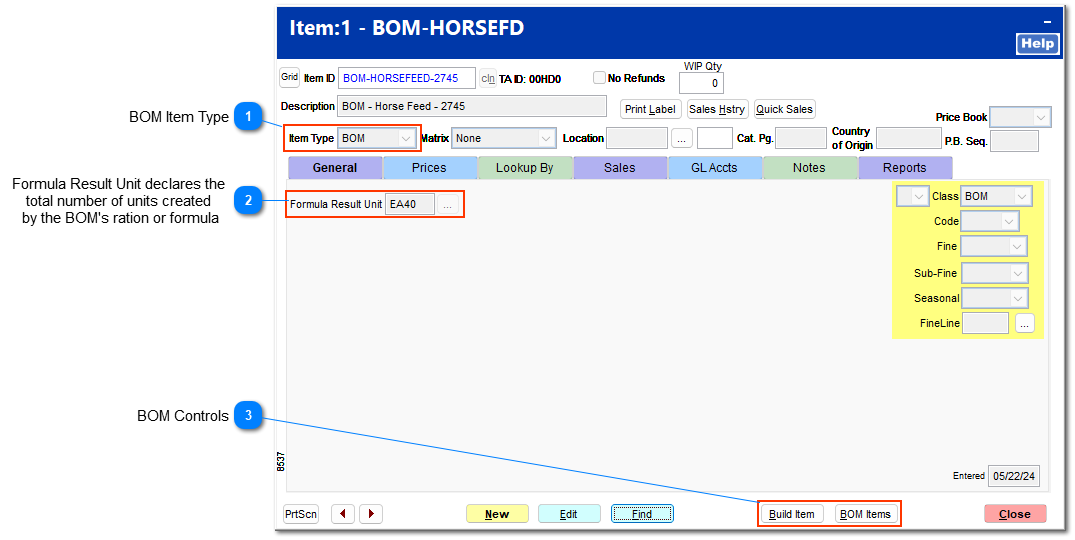
BOM Item Type
The Item Type BOM indicates that the selected SKU is a Bill of Materials item which does not reflect a physical inventory item but contains the Bill of Materials listing found within the BOM Items button. The Build Item button creates the finished good as indicated within the Build Item button.
The Build Item button initiates the creation of the finished good indicated within the utility based upon the build of materials listed within BOM Items button.
The BOM Items contains the raw materials utilized during the Build Item process.