(c) Profile Systems Design Group, Inc. 2026 Build: 4.008.811 Help ID: 1692
If you do not see the expected content,press CTRL + F5 to clear your Browser's cache.
GL Accts Tab
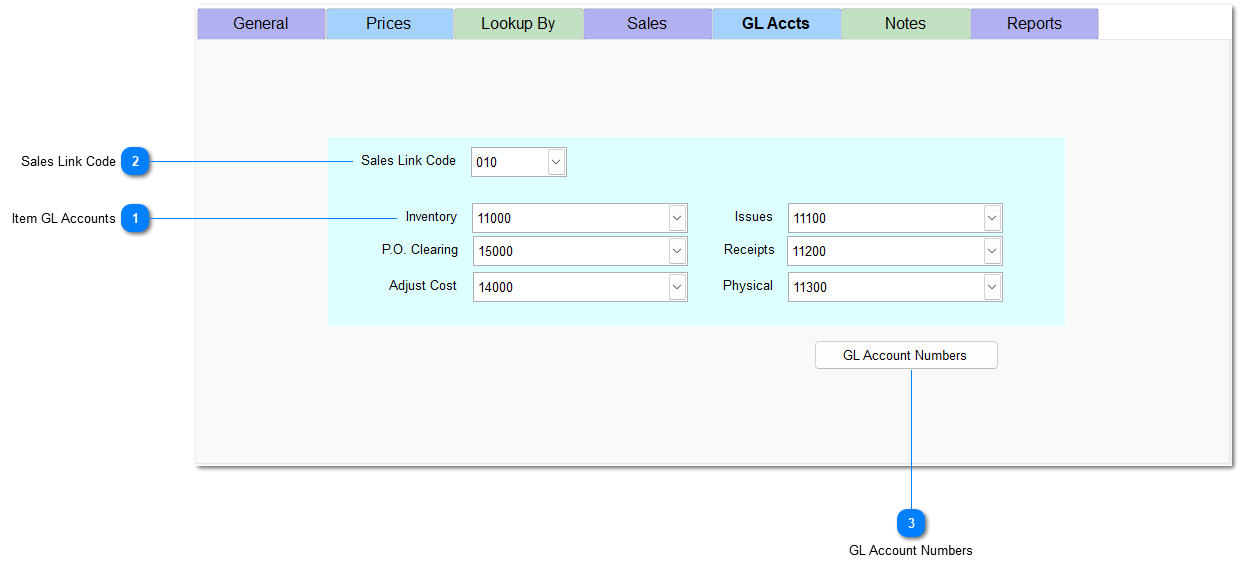
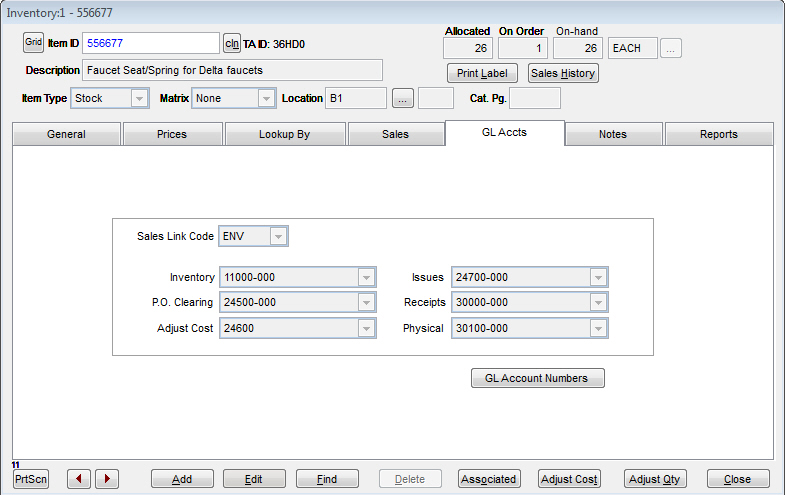
TransActPOS releases general ledger information to a variety of accounting packages. On the GL Accts tab, you can assign general ledger accounts on a per item basis depending on the level of detail required within your general ledger system.
If these fields are left blank, the system automatically utilizes the defaults established in System | Company Setup | GL Accounts Page 1, 2, and 3.
Item GL Accounts
Click the dropdown arrow next to each field to select the correct account.
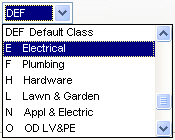
Link codes are utilized by the system to control the sales, cost-of-goods sold, and sales discounts of specific types of sales. For instance, a sales link code could be created for all hard goods versus soft goods. Each link code has its own sales, Cost of Goods Sold (COGS), and discount account allowing proper reporting of sales. Click the dropdown arrow to select a sales link code from the list.
For detailed information on how sales link codes function, see Explain GL Sales Codes. GL Sales Codes are maintained within System | Support Files | GL Sale Codes.